How to enable account in header
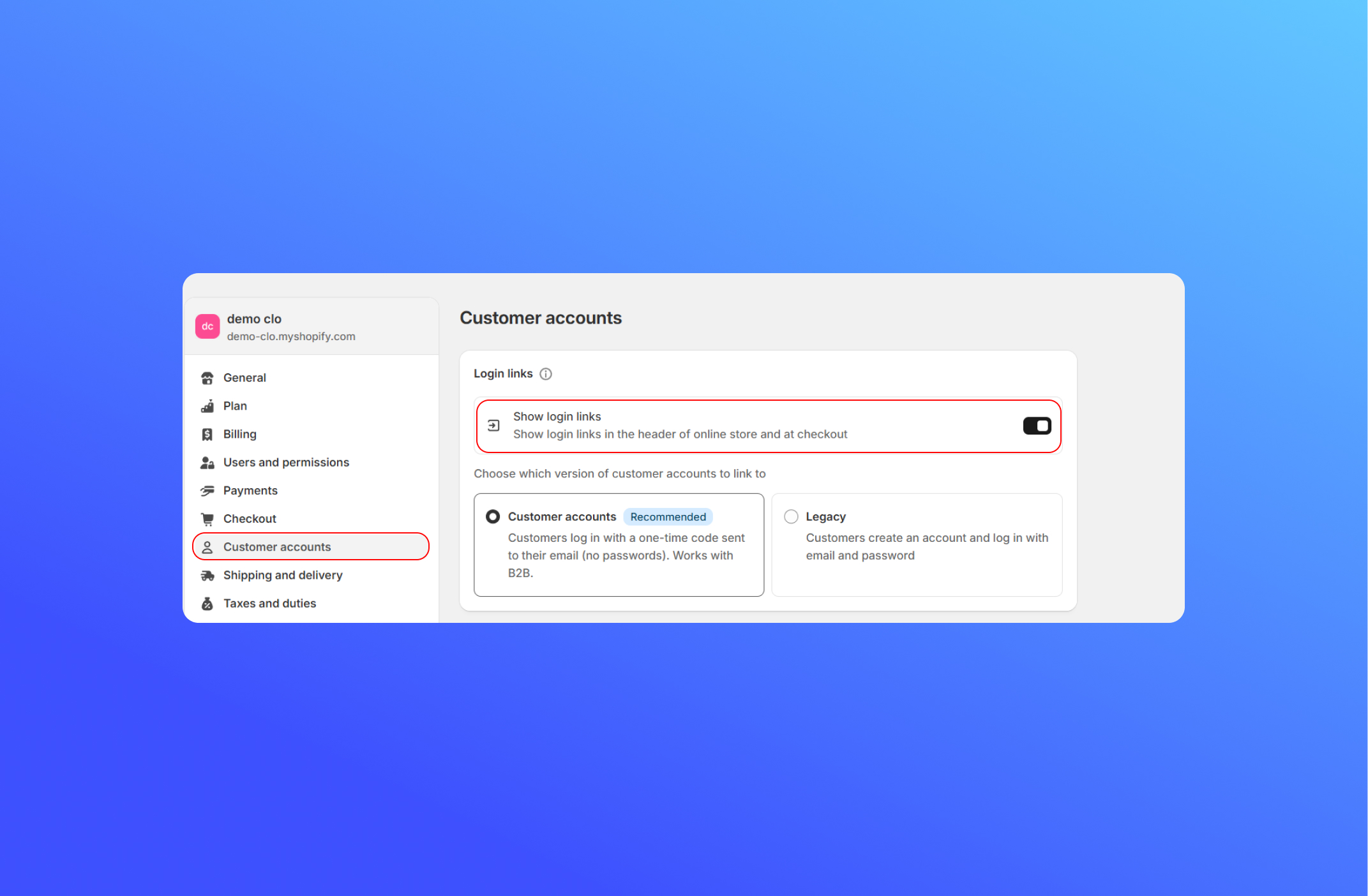
To show an account in the header, follow these steps:
- From your Shopify admin, go to Settings
- Click Customer accounts.
- Enable the option Show Login Links.
- Click Save.
Did this answer your question?
If anything is unclear, tell us — we improve docs weekly.