How to show Social Media Icons
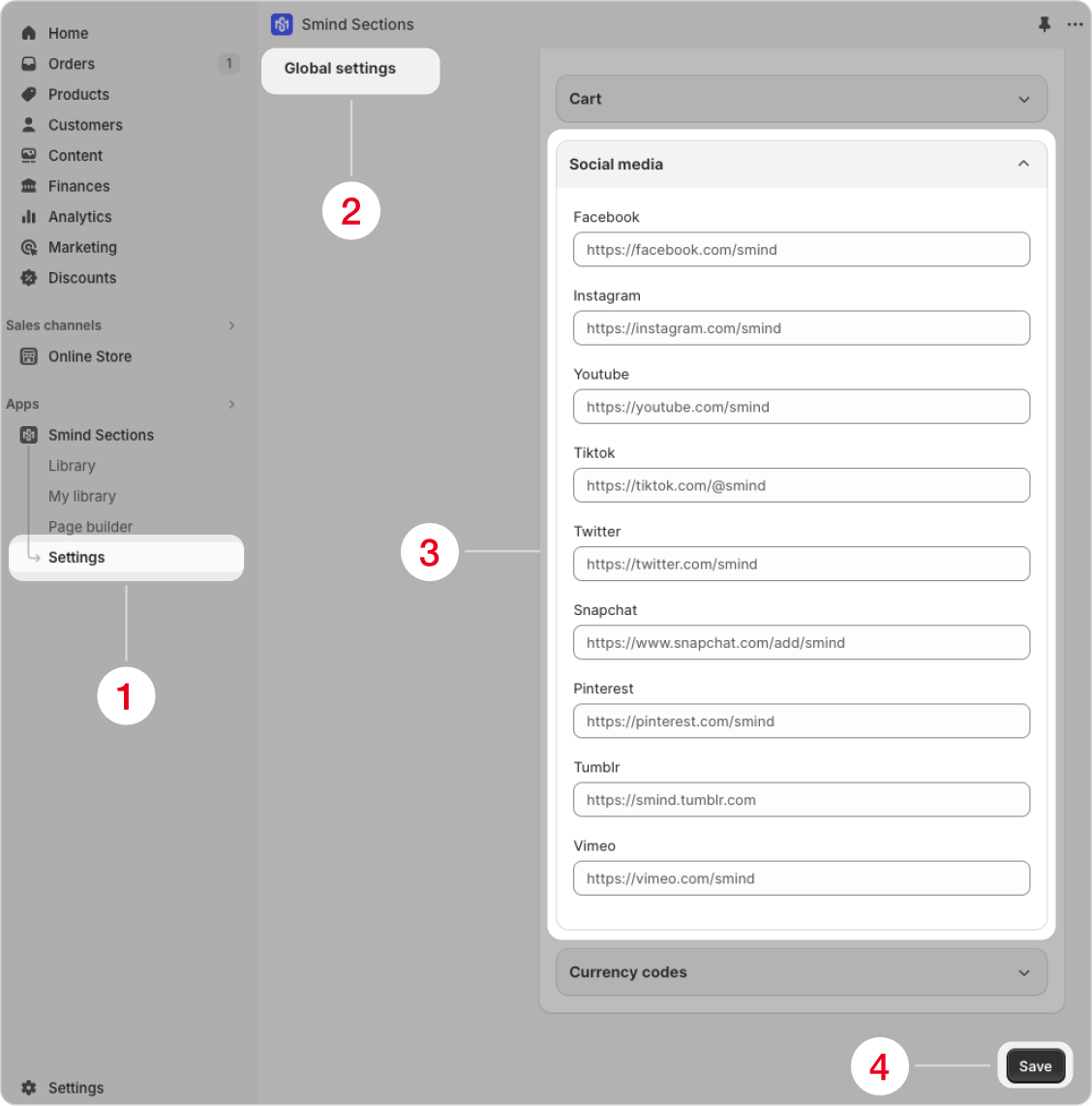
To add social media icons, follow these steps:
- Open the Smind application and go to “Settings“.
- In the “Global settings” section, scroll down to “Social media“.
- Enter your social media links and click “Save“.
Did this answer your question?
If anything is unclear, tell us — we improve docs weekly.